Shopping Features
Our interface provides two distinct e-commerce options, specifically designed to enhance the shopping experience. These options include the Add to Bag for individual items and Add All to Bag for shopping multiple items simultaneously.
Add To Bag Feature
Our Add-to-Bag feature offers multiple usage options based on your needs:
Basic Usage
For a straightforward approach, you can simply forward the add-to-bag action to your own website's product page.
Here are the steps to configure this:
- Log into your CMS.
- Navigate to Display Info -> Extra Info.
- Choose 'link' from the dropdown menu.
- Enter the URL of your product in the input box, e.g., https://www.link-to-product.
- Once configured, when a user interacts with the add-to-bag feature, they will be redirected to the product page on your website.
Advanced Usage
For a more advanced and integrated experience, you can utilize our event system.
Listen for the shop_add_product_click event. This event is triggered when a user clicks to add a single product to the bag. You can then handle this event according to your specific application logic to provide a seamless shopping experience within your app.
In JavaScript, you can parse the returned event as follows:
let event = {
    "message": "shop_your_look_clicked",
    "data": {
        "products": [...]
    },
    "session_id": "1687267068862-788825311021713437",
    "timestamp": 1687267099639
}
To retrieve the CMS product ID, you would access the id property of the specific product within the products array:
let productId = event.data.products[i].id;
In this line of code, replace i with the index of the product you're interested in.
To get the custom IDs such as SKU, navigate to the identifiers list within the regions array of a product:
let customIds = event.data.products[i].regions[0].data.identifiers;
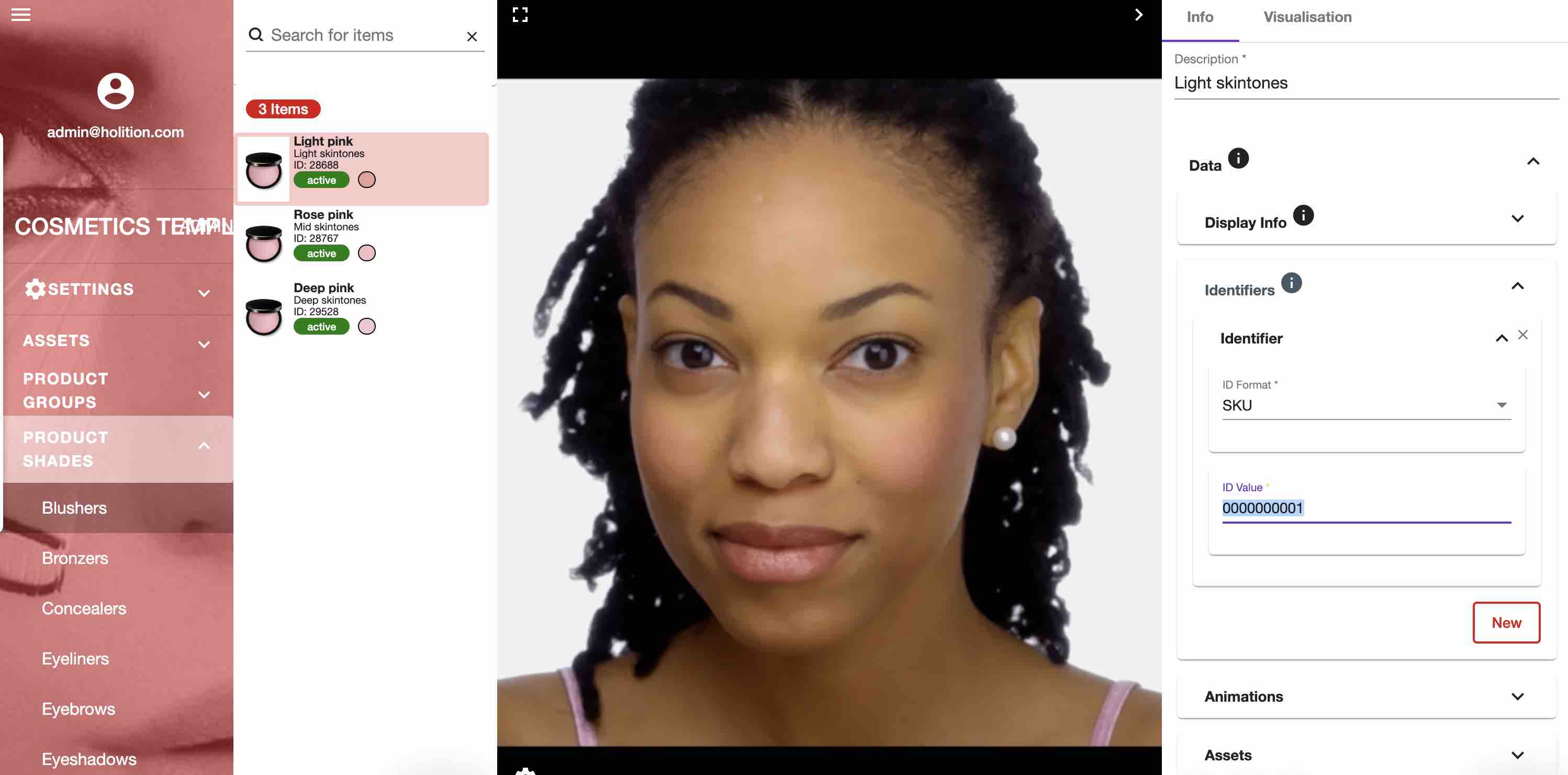
Please be aware that assigning custom SKU IDs to your products is an optional step. To check if these have been specified for all your products, navigate to the CMS and select the 'Data -> Identifiers' section.
Add All To Bag Feature
For cases where users wish to add multiple items to their bag, you can monitor the shop_your_look_clicked event. This event is activated when a user selects the "Shop Your Look" option located at the top left of the interface.